Phone Extension Setup
Note: The web portal login username is teleconnx and the password is your AWS instance id.
The login username for SSH access is also teleconnx.
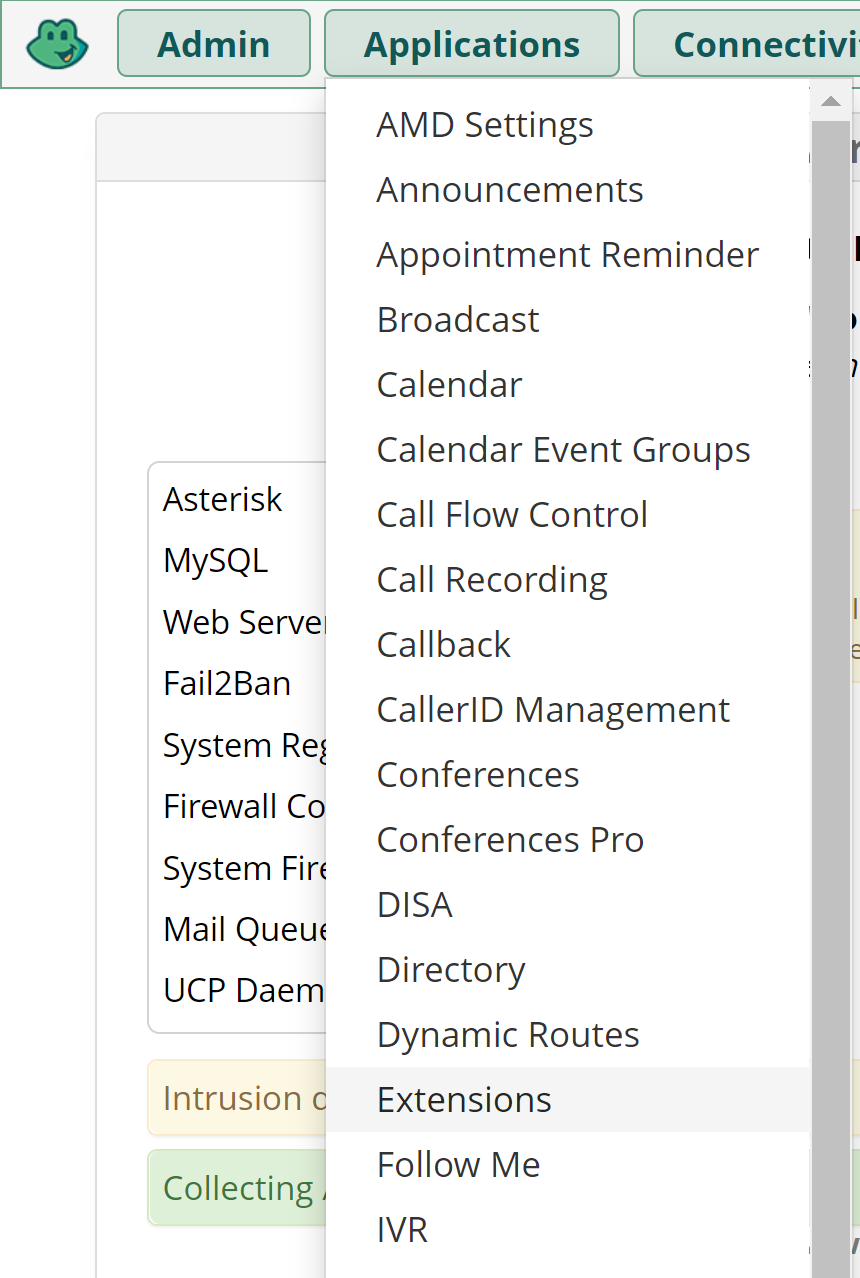
1. Go to the Applications menu at the top of the page and select Extensions.
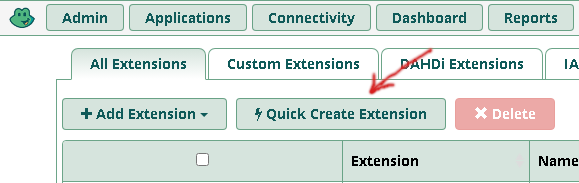
2. Click the "Quick Create Extension" button.
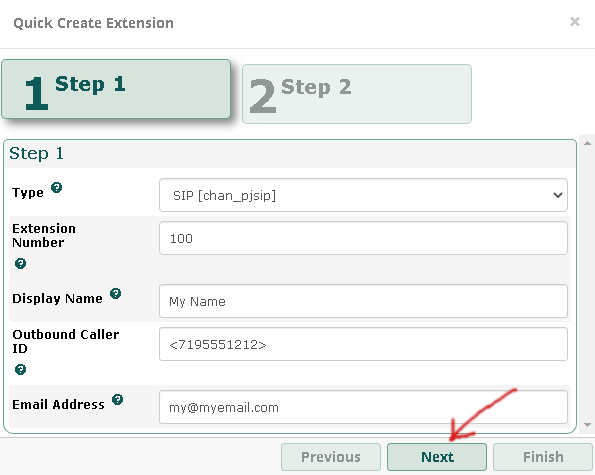
3. Enter an extension number for your phone, the display name for the phone,
the outbound caller id (number people will see when you call them),
and your e-mail address. Then click the "Next" button.
Note: You must provide an outbound caller id to place outbound calls.
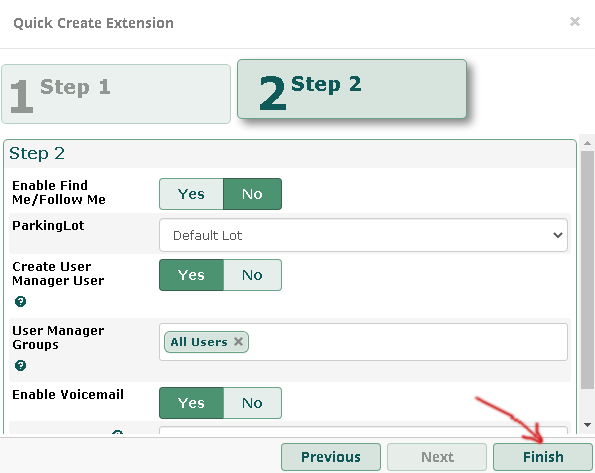
4. Click the "Finish" button to add the new extension.
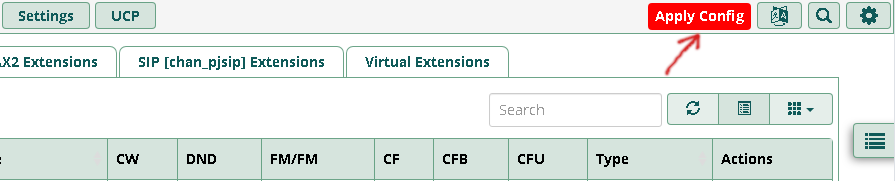
5. Click the "Apply Config" button to make your changes live.