
AWS Firewall Setup
Note: The following rules must be added to allow additional phones to connect from the Internet.
Calling: udp,5060,0.0.0.0/0,sip.
Audio: udp,10000-20000,0.0.0.0/0,rtp.
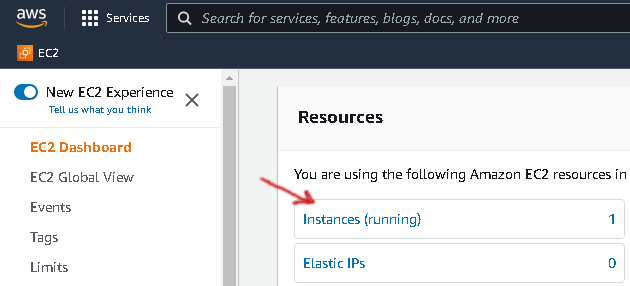
1. From the EC2 Dashboard, click on the Instances link.
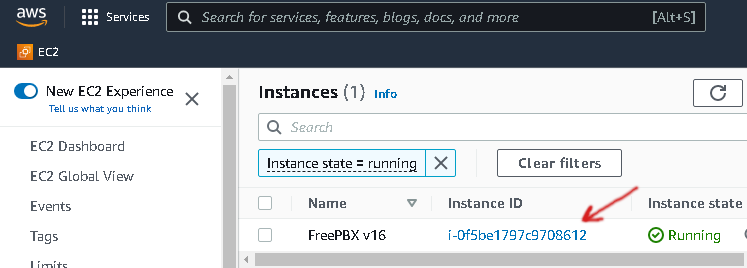
2. From the list of running instances, click on your new FreePBX Instance ID.
Note: This instance id is your initial portal password.
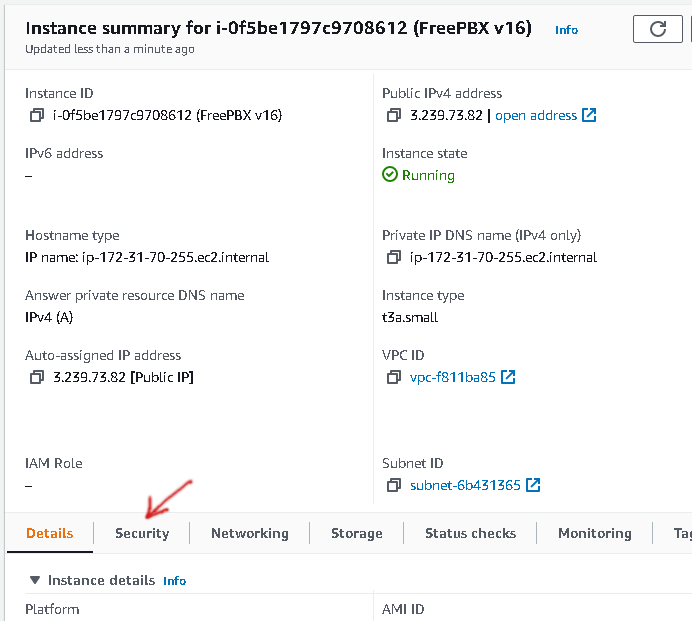
3. On the instance summary page, click on the Security tab.
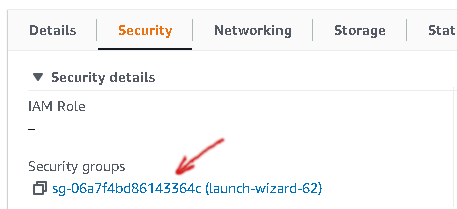
4. Click the Security Group link to manage your instance firewall.
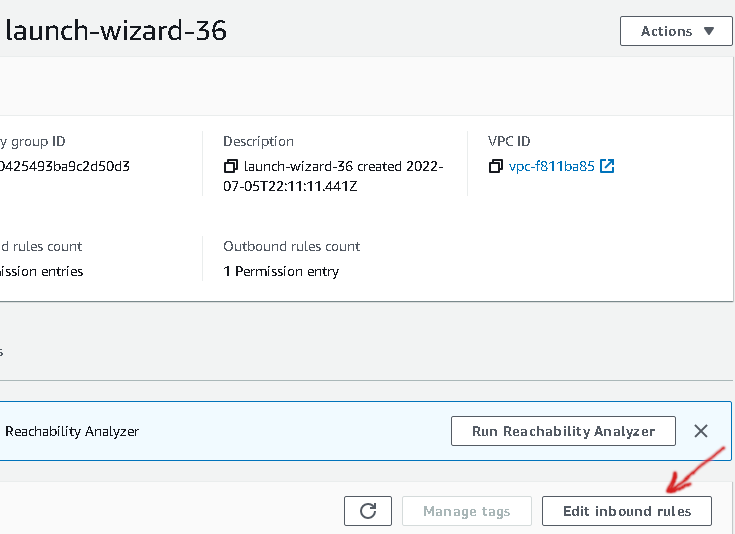
5. Now click the "Edit inbound rules" button on the right near the bottom of the page.
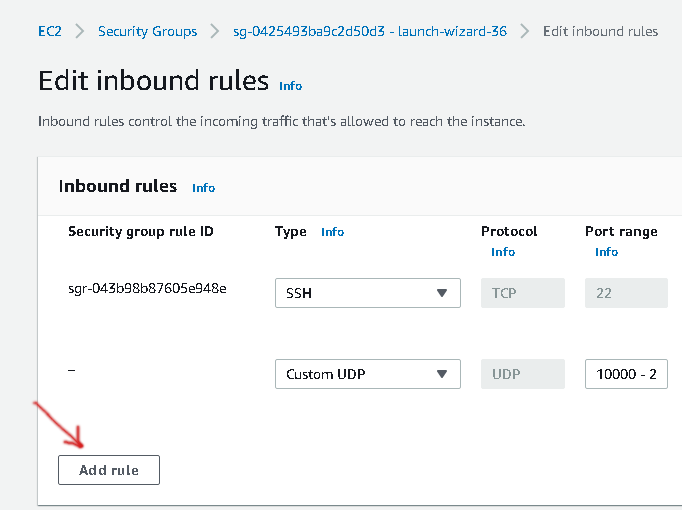
6. Click the "Add rule" button to a new inbound rule.
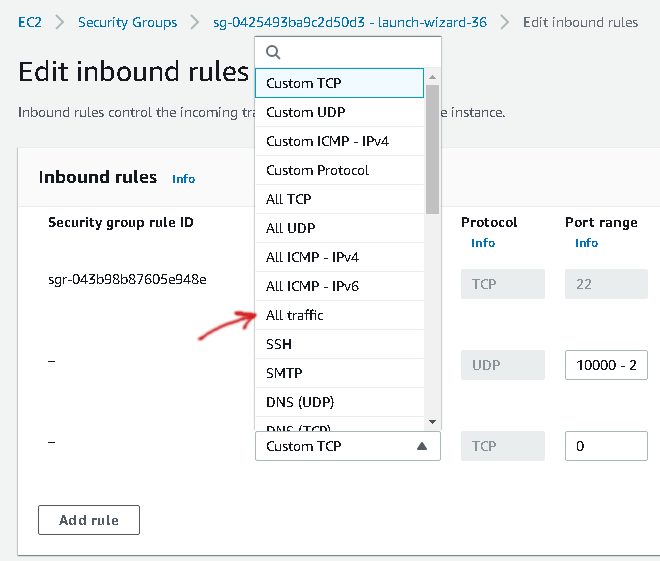
7. Select "All traffic" from the drop-down.
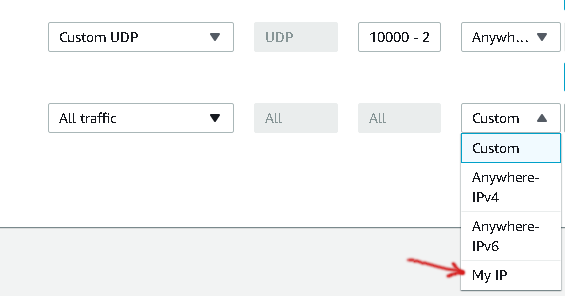
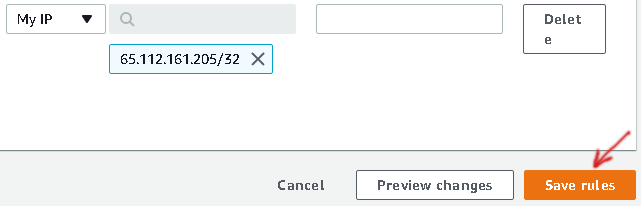
8. Select "My IP" from the "Source" drop-down.
Note: Select "My IP" from the drop-down will NOT always correctly detect your IP address.
9. Click the "Save rules" button to save your changes.
Note: This only allows access from your current IP for testing purposes.
10. Congratulations! You're now ready to setup your new FreePBX system.